
Make the still frame work before animating
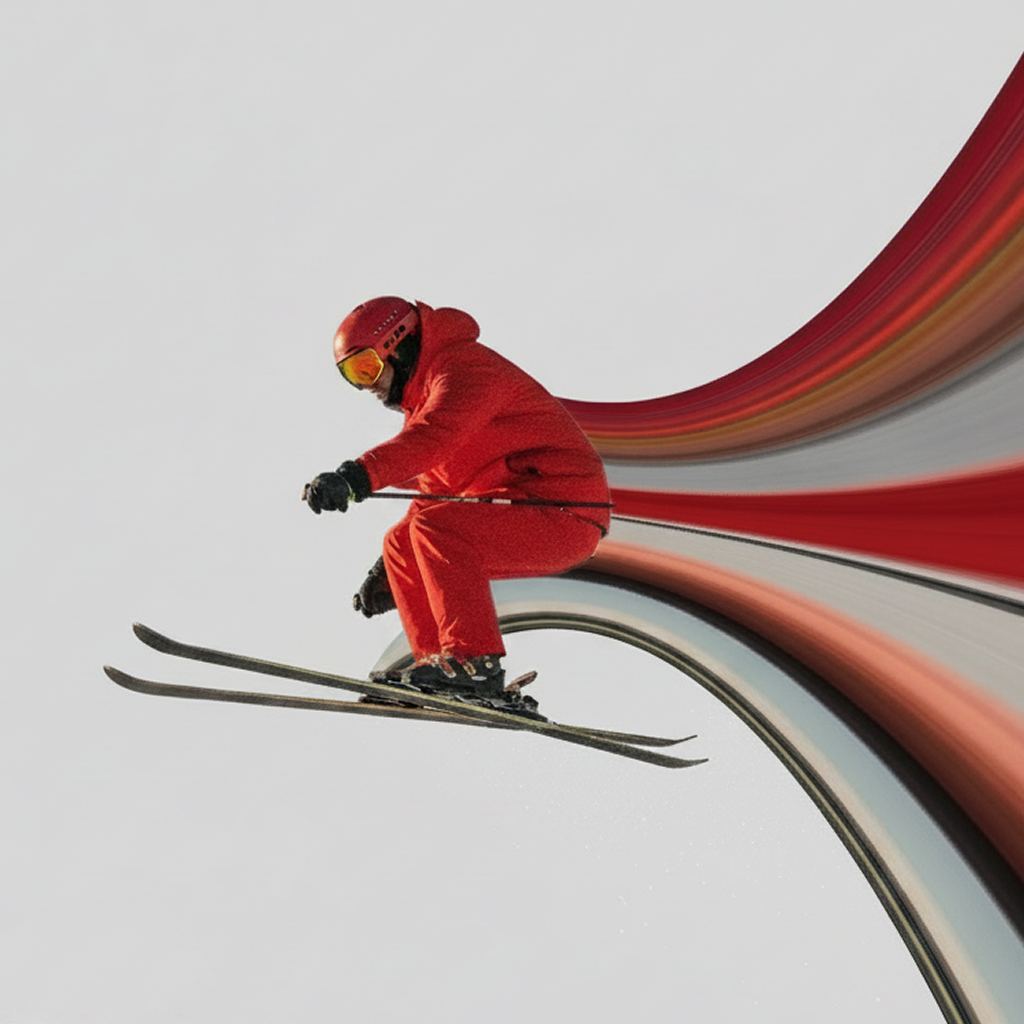
Animation cannot rescue an unclear composition. Import the photo, place the source line over strong color, choose a direction, and shape the stripe until the frame already feels balanced. Restore the subject so the focal point stays sharp above the moving band.
Keep the path simple. Movement adds visual information, so a clean arc often animates better than a complicated knot of control points.
Match the animation to the subject
Open the Animation controls after setting the shape and appearance. For vehicles and sports, directional movement reinforces speed. For fashion or surreal portraits, slower continuous flow can feel more elegant. Preview the whole frame rather than watching only the stripe.
Design for a satisfying loop
Short social videos often repeat automatically. Look for a movement that feels continuous when it restarts. A steady color flow or subtle pulse usually loops more naturally than a single abrupt burst. Keep the beginning and end visually compatible.
If you use multiple layers, animate them as one composition. Different directions can create energy, but too many unrelated movements feel chaotic.
Compose for the place you will share it
Vertical source photos fit Stories, Reels, and TikTok-style feeds. Keep important details away from the top and bottom interface zones. Strong contrast matters because many viewers will see the animation at small size and without sound.
Let the trail enter or exit the frame cleanly. Avoid tiny details that disappear after compression.
Preview once more, then export
Watch the full loop for distracting jumps, subject overlap, or dead space. Check that the color trail still reads at thumbnail size, then save the animated video and share it from your device.
Put the pixel stretch in motion
Shape the effect, animate the stripe, and export from iPhone.
Get Pixel Stretch on the App Store ↗