Begin with one impossible idea
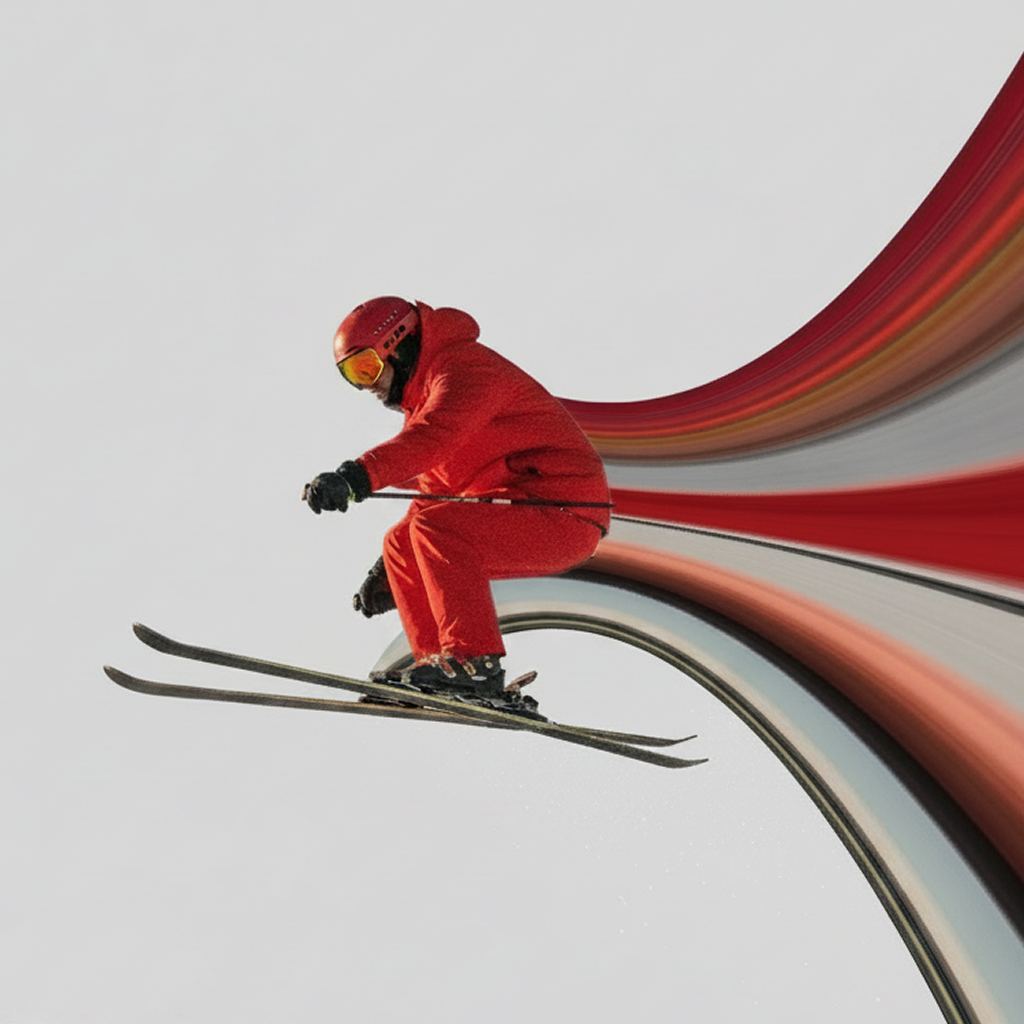
“Make it surreal” is too broad. Choose one visual rule to break: a jacket flows through the street, a car bends the road behind it, or a building stretches into the sky. Keeping the rest of the photo familiar makes that single impossible move more powerful.
Open space is useful because the stretch becomes a new graphic object. Negative space also protects the subject from visual clutter.
Turn clothing and color into a portrait ribbon
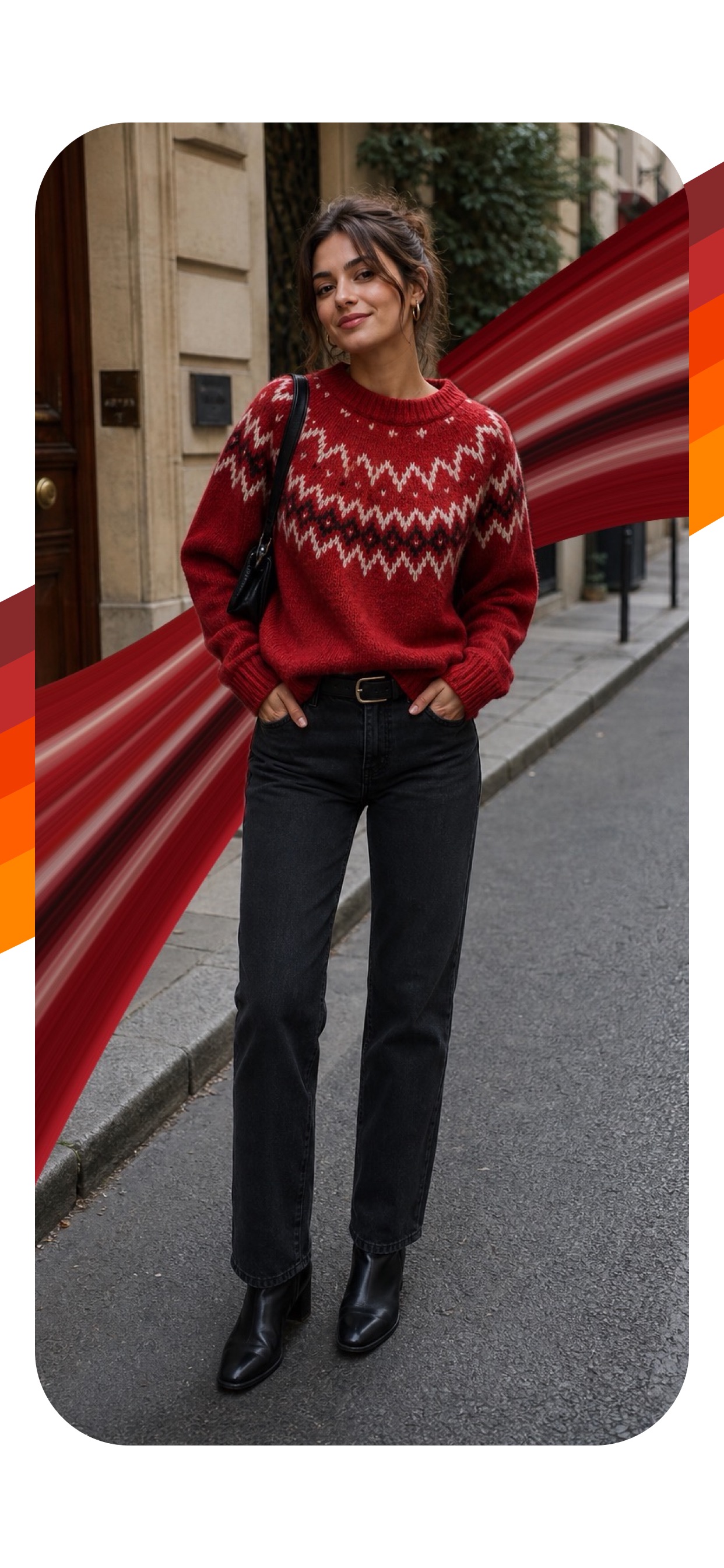
For portraits, place the source line over clothing, hair, or a bright edge in the background. Shape the stripe so it passes behind the face and body. Subject restoration helps create the illusion that the ribbon belongs inside the scene rather than sitting on top of it.
A wide smooth curve feels polished and editorial. Tighter distortion pushes the look toward glitch art. Tint can connect several sampled colors, especially when the original clothing contains a busy pattern.
Make the environment bend around the subject
You do not have to sample the person or object. Pull pixels from a road, doorway, skyline, or light source and curve the environment around the focal point. This approach works well for architecture and street photography because the original lines provide strong structure.
Build a visual system with multiple layers
Add a second stretch only when it supports the same idea. Duplicate a stripe for rhythm, sample another color for contrast, or send two trails in opposite directions to split the composition. Vary width, path, and distortion so the layers do not look like accidental copies.
Transparent gradients soften the exits. A random shape can provide a starting point when the composition feels too predictable.
Finish with restraint
Use the before-and-after view and check three things: Is the subject still obvious? Does the eye know where to travel? Is there a quiet area in the image? If any answer is no, simplify the curve, reduce a layer, or move the source line.
Bend the scene from your iPhone
Create layered, curved, surreal photo effects with colors already inside your image.
Download Pixel Stretch — Free ↗