Pixel stretching, in plain language
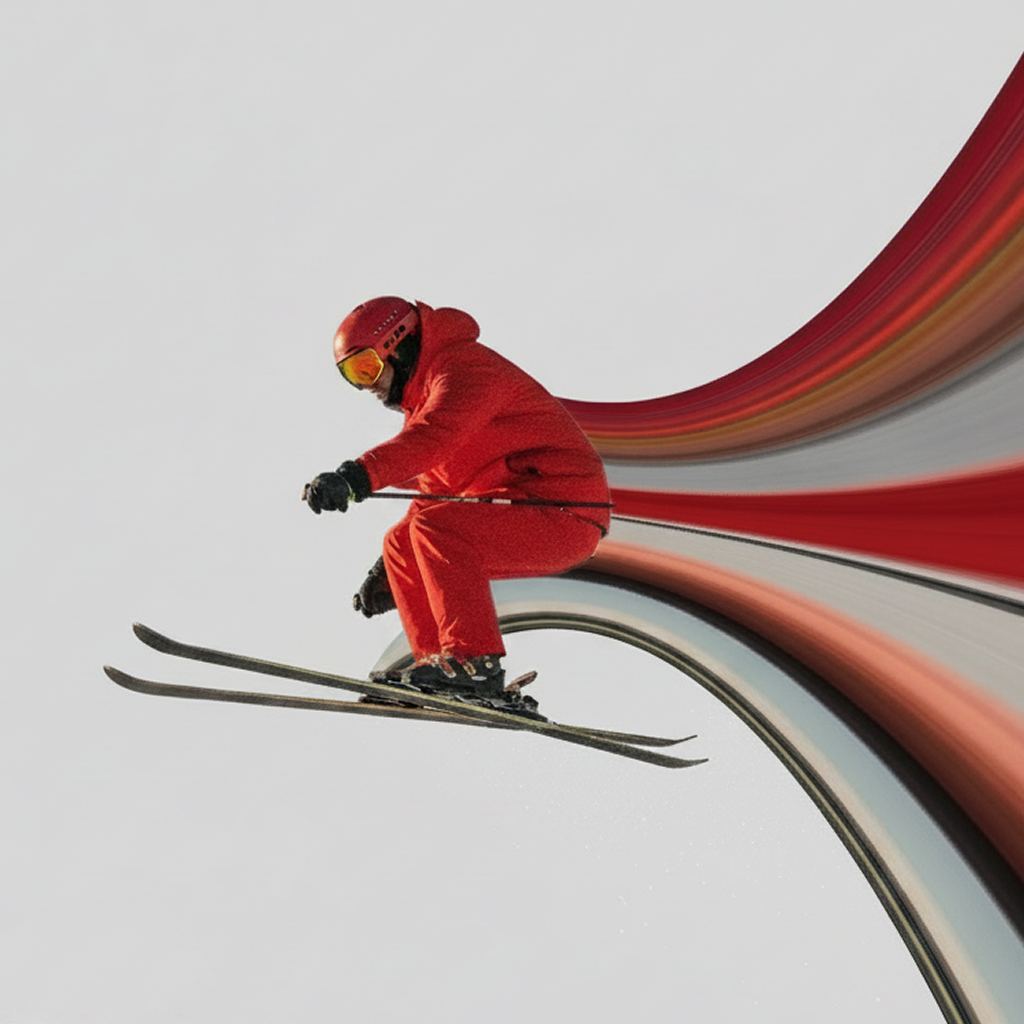
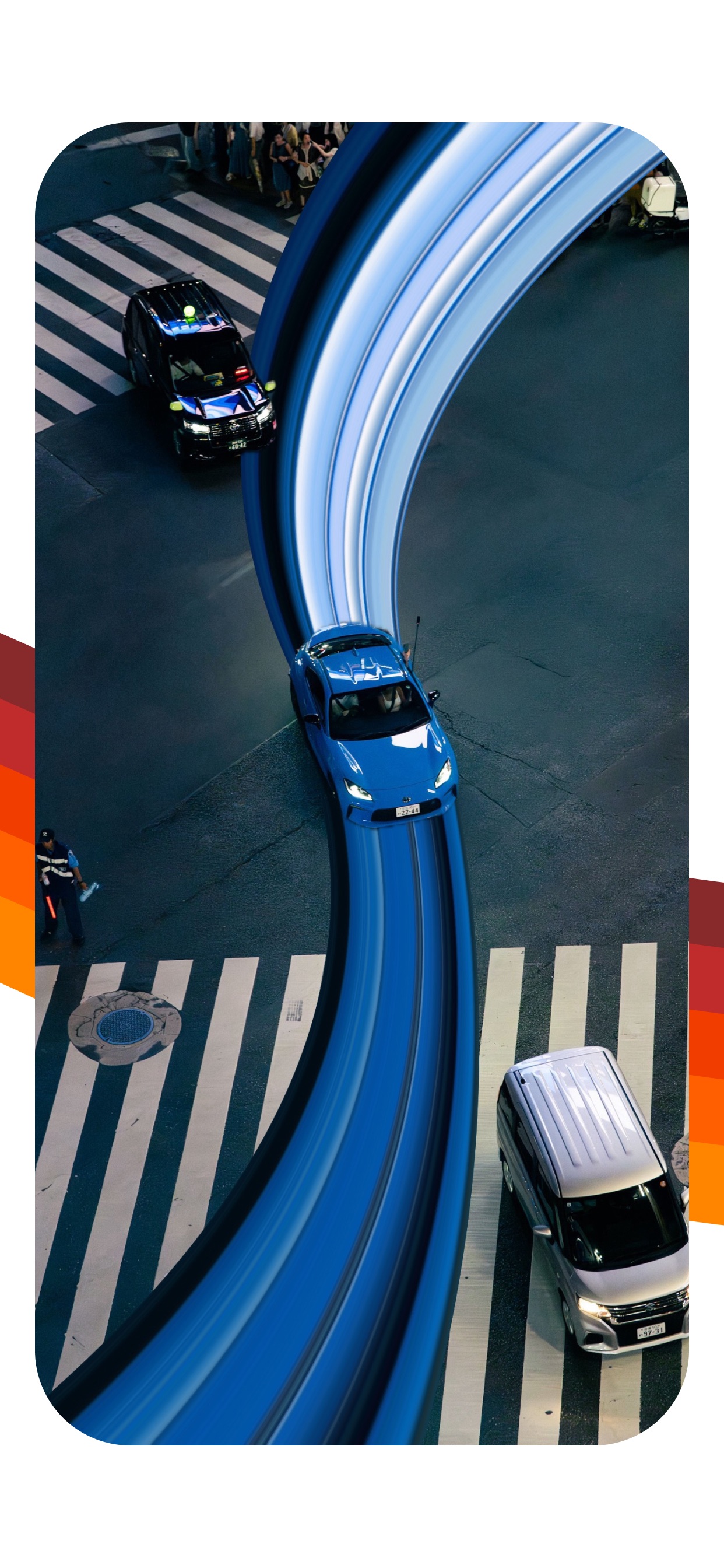
The pixel stretch effect takes a narrow row or column of pixels from a photo and extends those colors across a larger area. Instead of painting new colors, the technique pulls visual information that already exists in the image. A red jacket can become a flowing crimson ribbon; a blue car can leave a cool metallic trail through the frame.
Traditional desktop tutorials create the effect with a selection, a transform, and often a warp or mask. Pixel Stretch turns the same visual idea into a direct mobile control: place the source line, choose a direction, and shape the extended stripe.
Why stretched pixels feel like motion
Our eyes already associate directional blur and repeated color with speed. A horizontal band suggests that something moved across the frame. A curve creates a path for the eye to follow. When the original subject remains sharp over the stretched color, the contrast between stillness and flow becomes even stronger.
What can you create with the effect?
- Motion trails: make cars, runners, bikes, and dancers feel fast.
- Surreal portraits: bend clothing or background color around a sharp subject.
- Poster artwork: turn a simple photo into a bold graphic composition.
- Glitch-inspired edits: add distortion, tint, and layered strips.
- Animated loops: move the stretched band for social video.
Which photos work best?
Start with contrast. A subject should be easy to separate from the background, and the edge you sample should contain colors worth extending. Open space gives the stripe somewhere to go. Portraits with colorful clothing, night photography, vehicles, sports, product shots, and architecture are reliable choices.
Busy scenes can still work, but use a shorter or simpler stripe so the result does not compete with every detail in the original photo.
How to create a pixel stretch effect on iPhone
In Pixel Stretch, import an image and drag over the preview to move the source line. Choose the stretch direction, shape the stripe with control points, and adjust distortion or tint. Duplicate layers for more complex edits, restore the subject above the effect, then export a still image or animated video.
Turn the idea into an edit
Pixel Stretch gives the photo trend a purpose-built iPhone workflow.
Get Pixel Stretch on the App Store ↗