Why the Photoshop method takes longer
A common Photoshop tutorial asks you to isolate a one-pixel row or narrow selection, duplicate it to a new layer, transform it across the canvas, switch to Warp, bend a mesh, mask the overlap, and restore the subject. The process is flexible, but every stage adds a decision and an opportunity for rough edges.
That control is valuable when the pixel stretch is one part of a larger composite. It is unnecessary when you simply want a polished stretch effect from a photo on your phone.
What a purpose-built mobile app changes
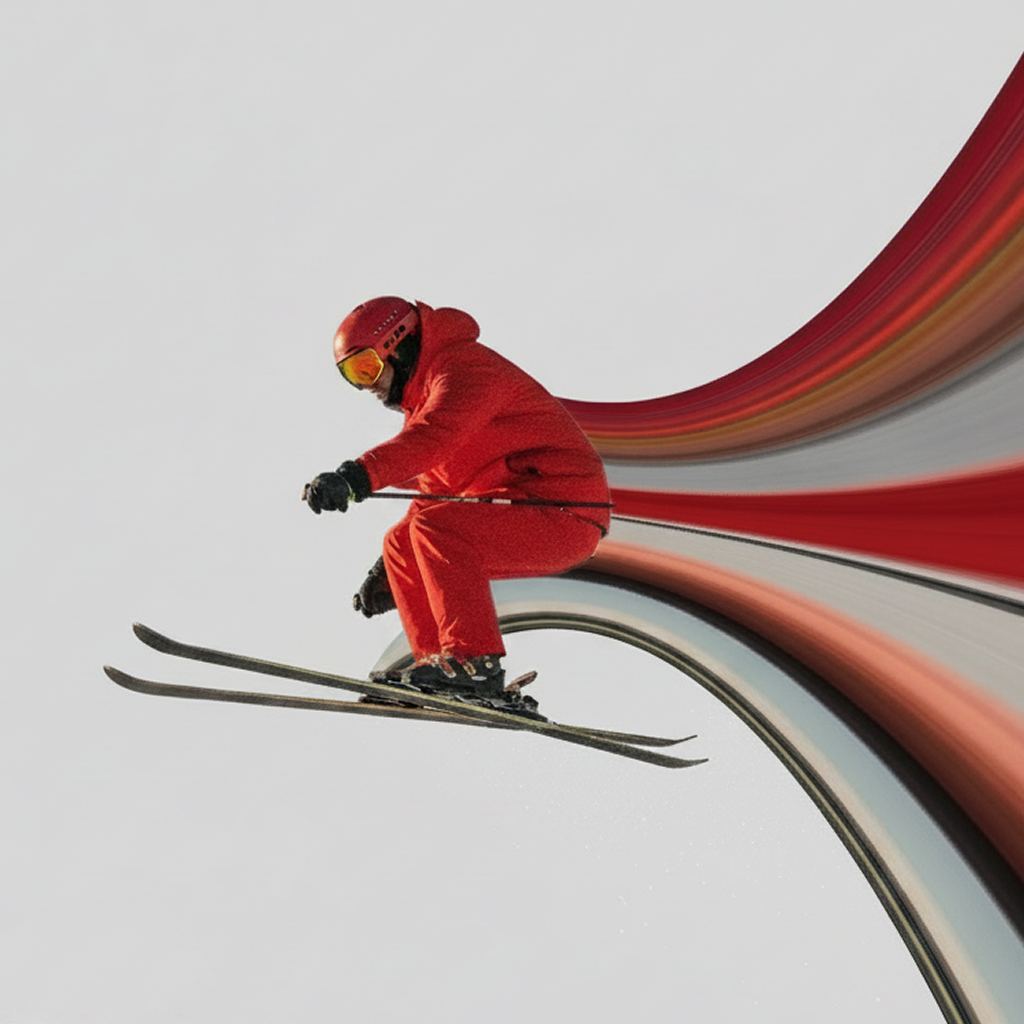
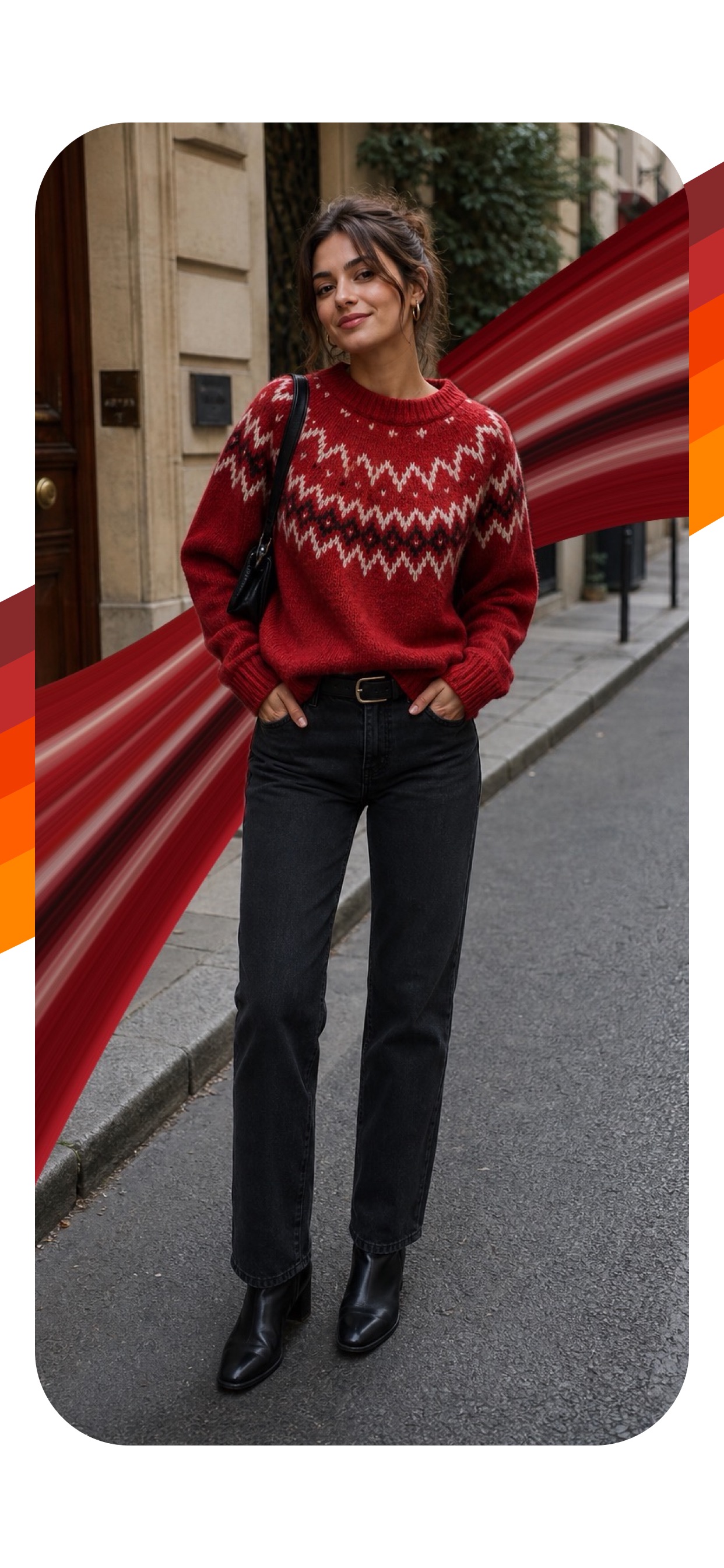
Pixel Stretch replaces the selection and transform workflow with a movable source line. Direction buttons replace manual scaling. A curve pad replaces the warp grid. Subject restoration handles the most important overlap, while layers, tint, distortion, and transparent gradients provide creative range.
The result is not “one-tap.” You still direct the composition. The difference is that every control is relevant to this specific effect.
The Photoshop-free workflow
- Import a photo with a clear subject and useful edge colors.
- Drag the source line across the part of the photo you want to stretch.
- Choose left, right, up, or down based on the available space.
- Move the control points to shape a deliberate curve.
- Add distortion, tint, or a duplicate layer if the composition needs more depth.
- Restore the subject above the stripe and export.
How to keep the edit clean
Use a high-resolution original, keep the focal subject sharp, and avoid stretching through faces or important details. Let the stripe exit the frame or taper with a transparent gradient. Pixel Stretch Pro supports full-resolution exports for the finished image.
When should you still use Photoshop?
Choose a desktop editor when you need advanced compositing, detailed manual masks, print production, or integration with a larger layered project. Choose Pixel Stretch when you want to create, test, animate, and share the effect quickly from iPhone or iPad.
Skip the setup. Shape the effect.
Go from camera roll to a finished pixel stretch without opening a desktop editor.
Download Pixel Stretch — Free ↗